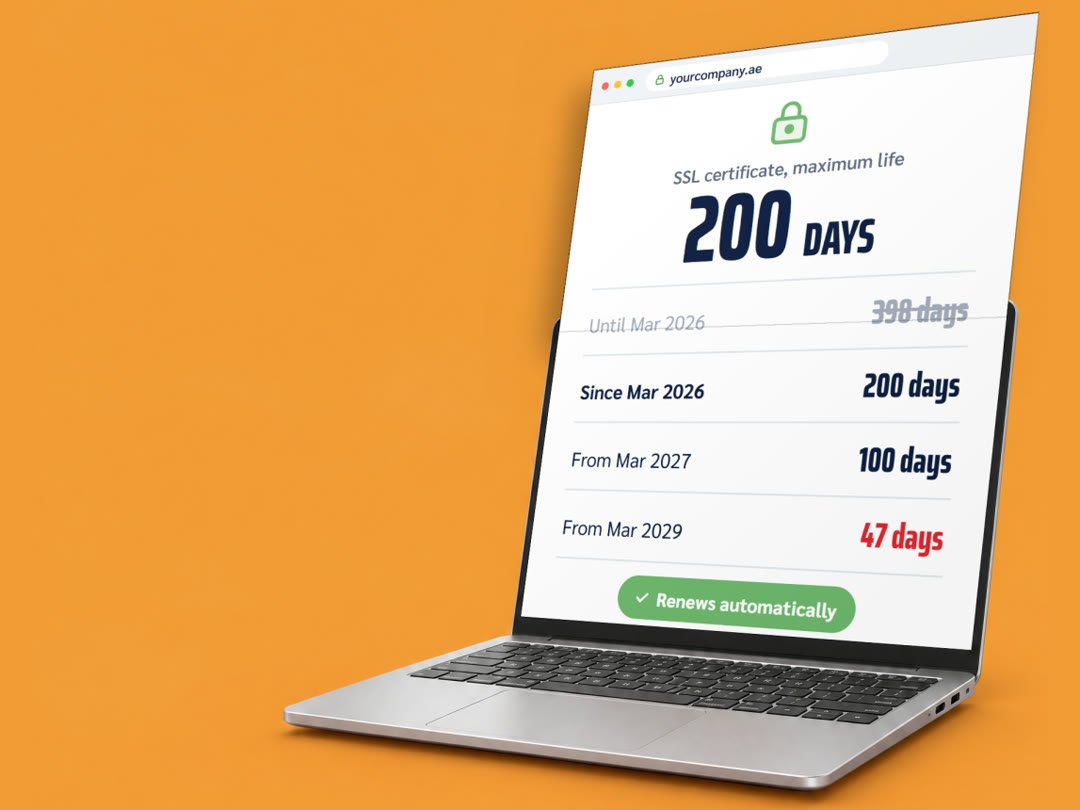
The padlock next to your web address comes from an SSL certificate. Since 15 March 2026, a new certificate can be valid for 200 days at most, and the limit keeps falling until it reaches 47 days in 2029. If someone renews yours by hand once a year, this change is for you.
By WayzCore ·· 3 min read
In short
From 15 March 2026, a new SSL certificate can be valid for 200 days at most. It was 398 days before.
The limit falls to 100 days on 15 March 2027 and to 47 days on 15 March 2029.
If your certificate renews automatically, nothing changes for you. If someone renews it by hand, switch to automatic renewal now.
An expired certificate puts a full-page security warning in front of your website.
What changed?
The CA/Browser Forum is the group of certificate authorities and browser makers that sets the rules for website certificates. In April 2025 its members voted to shorten how long a certificate can last. The vote, Ballot SC-081, passed without a single vote against. This is the schedule:
Maximum life of a new SSL/TLS certificate
Certificates issued
Maximum validity
Before 15 March 2026
398 days
From 15 March 2026
200 days
From 15 March 2027
100 days
From 15 March 2029
47 days
The check that proves you control your domain also has to be repeated more often. By 2029 that proof can only be reused for 10 days.
Why are certificates getting shorter?
A shorter life limits the damage when something goes wrong. If a certificate’s private key is stolen, or a certificate is issued by mistake, it stops working sooner. It also pushes everyone towards automatic renewal, which is far more reliable than a reminder in someone’s calendar.
What happens when a certificate expires?
Browsers such as Chrome, Safari and Edge stop your visitors with a full-page warning that the connection is not private. Many people will leave rather than click past it, and your enquiry form sits behind that warning too.
Does this affect my website?
Automatic renewal: no change. Free certificates from Let’s Encrypt, which most hosting control panels use, already last 90 days and renew on their own.
Renewed by hand: yes. If you buy a certificate and someone installs it once a year, that now has to happen at least twice a year, four times a year from 2027, and roughly every six weeks from 2029. That only works with automation.
What should I do now?
Click the padlock or site settings icon in your browser and check when your certificate expires.
Ask your web host or developer whether renewal is automatic.
If it is manual, switch to automatic renewal, or move to a host that handles it for you.
Make sure expiry warnings go to an inbox that someone reads, not an old address.
Set up a monitor that alerts you before the certificate expires.
How WayzCore handles it
On the hosting we set up and look after, certificates renew automatically, and checking them is part of our monthly website care. See cloud hosting and website care.